Your website is often the first impression customers have of your business. Whether you run a local business, an eCommerce store, or a service-based company, an outdated or poorly performing website can cost you valuable leads and sales.
Many businesses redesign their websites to achieve a modern look, improve performance, or add new features. However, a website redesign is much more than changing colors or layouts. Without proper planning, you could lose search engine rankings, break important pages, create security issues, or confuse your visitors.
A successful redesign focuses on improving user experience, maintaining SEO, increasing speed, and creating a website that converts visitors into customers.
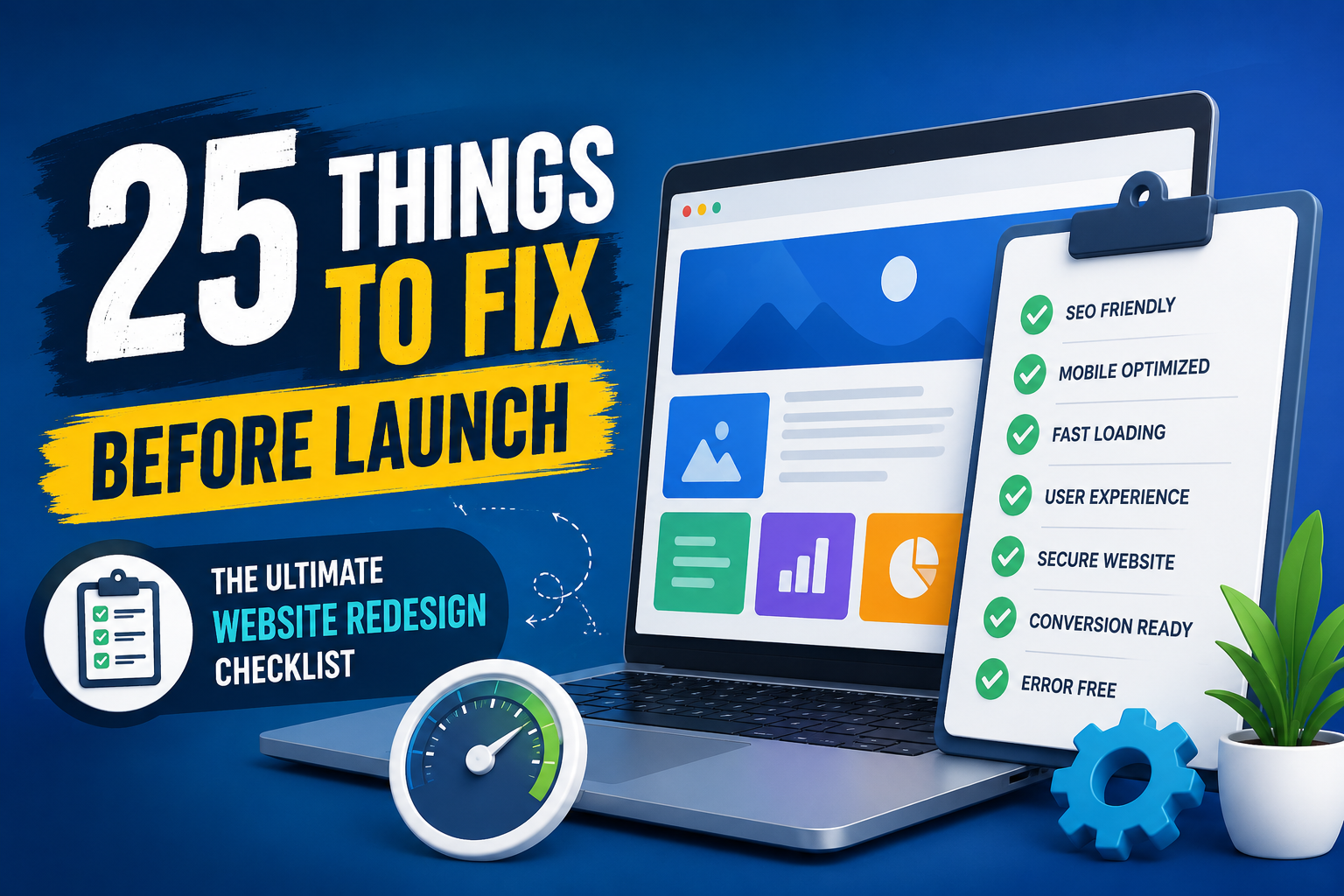
This comprehensive checklist covers 25 essential areas you should review before launching your redesigned website.
Why Website Redesign Matters
Technology, customer expectations, and search engine algorithms change constantly. A website that performed well a few years ago may now feel outdated, slow, or difficult to use.
Some common reasons businesses redesign their websites include:
- Outdated design
- Poor mobile experience
- Slow loading speed
- Low search engine rankings
- Low conversion rates
- Difficult website management
- Rebranding
- Expanding products or services
- Improving security
A professionally redesigned website helps build trust, improve visibility, and generate more inquiries.
1. Define Clear Business Goals
Before beginning your redesign, ask yourself:
- What problem am I solving?
- What do I want visitors to do?
- How will success be measured?
Your goals may include:
- More leads
- Higher sales
- Better SEO
- Faster loading
- Improved branding
- More appointment bookings
- Better user experience
Without clear objectives, even a beautiful website may fail to deliver results.
2. Back Up Your Existing Website
Never start redesigning without creating a full backup.
Your backup should include:
- Website files
- Images
- Database
- Themes
- Plugins
- Custom code
If something goes wrong, you can restore your previous version within minutes.
3. Audit Existing Content
Not every page deserves a place on your new website.
Review each page carefully.
Ask:
- Does this page receive traffic?
- Is the information still accurate?
- Can it be improved?
- Is it relevant to my business?
Delete duplicate or outdated content and improve pages that already rank well on Google.
4. Keep Your Brand Consistent
Your website should reflect your business identity.
Maintain consistency in:
- Logo
- Colors
- Typography
- Icons
- Images
- Tone of voice
A consistent brand builds trust and recognition.
5. Improve Navigation
Visitors should never struggle to find information.
Good navigation means:
- Clear menu labels
- Logical page structure
- Simple dropdowns
- Easy access to important pages
- Mobile-friendly navigation
A confused visitor usually leaves within seconds.
6. Optimize for Mobile Devices
Today, most visitors access websites using smartphones.
Your redesigned website should provide an excellent mobile experience.
Check:
- Responsive design
- Readable text
- Clickable buttons
- Image scaling
- Mobile forms
- Fast loading
Google also prioritizes mobile-friendly websites in search results.
7. Improve Website Speed
Website speed directly affects user experience and search rankings.
Improve speed by:
- Compressing images
- Using WebP format
- Enabling browser caching
- Minifying CSS and JavaScript
- Removing unnecessary plugins
- Choosing quality hosting
- Using a CDN if required
Aim for a loading time below three seconds.
8. Preserve SEO Rankings
One of the biggest redesign mistakes is forgetting SEO.
Before launch, verify:
- Meta titles
- Meta descriptions
- Heading hierarchy
- Internal links
- Alt text
- Canonical URLs
- XML sitemap
- Robots.txt
Maintain your existing SEO structure wherever possible.
9. Create 301 Redirects
If any URLs change, create permanent redirects.
301 redirects ensure:
- Visitors reach the correct page
- Google transfers SEO value
- No broken backlinks
- Better user experience
Missing redirects often result in lost rankings.
10. Fix Broken Links
Broken links create frustration and damage SEO.
Check:
- Internal links
- External links
- Image links
- Download links
- Menu links
Every click should work perfectly.
11. Improve Calls-to-Action
Every important page should encourage users to take the next step.
Examples include:
- Request a Quote
- Contact Us
- Schedule a Call
- Buy Now
- Download Brochure
- Get Free Consultation
Place CTAs strategically throughout the website.
12. Optimize Images
Images improve engagement but can slow down your website.
Best practices:
- Compress before uploading
- Use descriptive filenames
- Add alt text
- Choose responsive image sizes
- Use modern formats like WebP
13. Improve Readability
People rarely read every word online.
Make content easy to scan using:
- Short paragraphs
- Bullet points
- Numbered lists
- Headings
- White space
- Clear fonts
Readable content increases engagement.
14. Strengthen Website Security
Cybersecurity is essential.
Include:
- SSL Certificate
- Firewall
- Malware scanning
- Strong passwords
- Two-factor authentication
- Regular updates
- Daily backups
Security protects both your business and your customers.
15. Test Every Contact Form
Before launch, submit every form yourself.
Verify:
- Email notifications
- Spam protection
- Required fields
- Mobile compatibility
- Confirmation messages
A broken inquiry form means lost business.
16. Install Analytics
Measure performance from day one.
Install:
- Google Analytics 4
- Google Search Console
- Meta Pixel (if running ads)
Track:
- Visitors
- Traffic sources
- Conversions
- Bounce rate
- Popular pages
Data helps you improve continuously.
17. Improve Accessibility
Accessible websites serve more users and often perform better.
Check:
- Color contrast
- Keyboard navigation
- Screen reader compatibility
- Image alt text
- Form labels
Accessibility benefits everyone.
18. Test Across Browsers
Your website should work consistently on:
- Chrome
- Edge
- Firefox
- Safari
Also test different screen sizes and operating systems.
19. Optimize the Homepage
Your homepage should immediately answer:
- Who are you?
- What do you offer?
- Why should customers choose you?
- How can they contact you?
Avoid clutter and focus on clarity.
20. Build Trust
Visitors buy from businesses they trust.
Add:
- Customer testimonials
- Google Reviews
- Client logos
- Awards
- Certifications
- Case studies
- Years of experience
Trust signals increase conversions.
21. Optimize the Footer
An effective footer should include:
- Contact details
- Business address
- Phone number
- Social media links
- Privacy Policy
- Terms & Conditions
- Quick navigation links
22. Review Every Button
Click every button before launch.
Check:
- Menu buttons
- Contact buttons
- Payment buttons
- Download buttons
- Social icons
- Login buttons
Small errors create a poor impression.
23. Improve Local SEO
If you serve local customers, optimize for local search.
Include:
- Google Business Profile link
- Business address
- Phone number
- Business hours
- Service areas
- Google Maps embed
Local SEO helps customers find you nearby.
24. Final Quality Assurance
Before launching:
- Review every page
- Test forms
- Test mobile responsiveness
- Verify SEO
- Check loading speed
- Test redirects
- Review grammar and spelling
- Check image quality
- Confirm SSL security
Launch only after thorough testing.
25. Monitor After Launch
Launching your website is only the beginning.
Monitor:
- Organic traffic
- Keyword rankings
- User behavior
- Conversion rates
- Error reports
- Website speed
Continue improving based on real user data.
Common Website Redesign Mistakes
Avoid these frequent errors:
- Ignoring SEO
- Launching without testing
- Using oversized images
- Too many plugins
- Poor navigation
- Missing redirects
- Weak calls-to-action
- Slow hosting
- Broken forms
- No analytics
Avoiding these mistakes can save both time and money.
Final Thoughts
A successful website redesign combines attractive design with performance, usability, and search engine optimization. By following this 25-point checklist, you’ll create a website that not only looks modern but also loads quickly, ranks well on search engines, and converts visitors into customers.
At Techno Artist India, we specialize in creating high-performance websites tailored to businesses of all sizes. Whether you need a complete redesign, a custom WordPress solution, WooCommerce development, or SEO optimization, our team can help you build a website that delivers measurable results.
Need Professional Website Redesign Services?
If your website feels outdated, loads slowly, or isn’t generating enough inquiries, it’s time for an upgrade.
Why Choose Techno Artist India?
- Modern & Responsive Website Design
- SEO-Friendly Development
- Fast Loading Speed
- WordPress & WooCommerce Experts
- Secure & Scalable Solutions
- Affordable Pricing
- Ongoing Website Maintenance
- Dedicated Customer Support
Contact Us Today
🌐 Website: https://technoartistindia.com
📞 Call / WhatsApp: +91 62946 43884
📧 Let’s build a website that helps your business grow.
Frequently Asked Questions (FAQ)
How often should I redesign my website?
Most businesses benefit from a redesign every 3–5 years, or sooner if the site no longer meets user expectations or business goals.
Will a website redesign affect my SEO?
It can if done incorrectly. Preserving URLs, using 301 redirects, and maintaining on-page SEO help protect your rankings.
How long does a website redesign take?
A typical business website redesign can take anywhere from 2 to 8 weeks, depending on the project’s size and complexity.
What is the most important part of a website redesign?
Planning. A redesign should improve user experience, performance, SEO, and conversions—not just visual appearance.